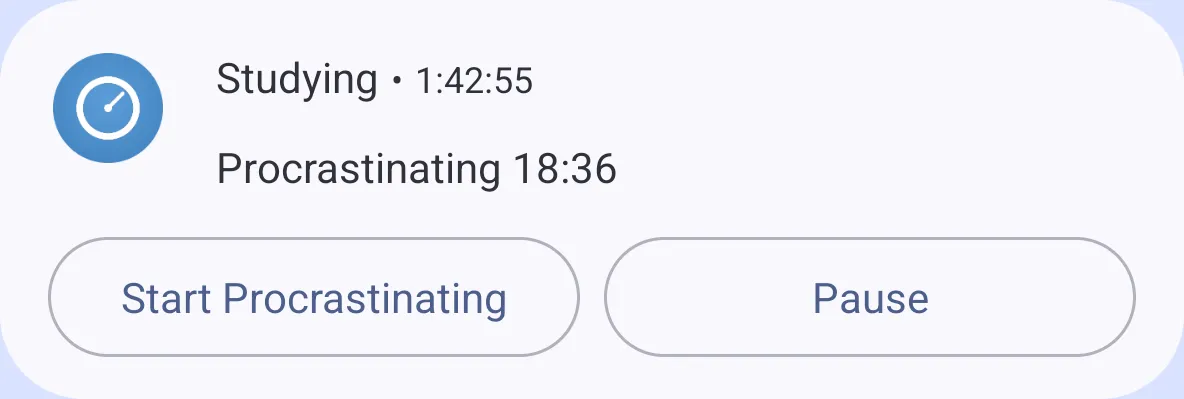
Switch from your notifications.
On Android, the timer notification has Pause and Start buttons, so you can switch timers without opening the app. On recent versions, it’s a Live Update.
50,000+ downloads since 2019
Try it: tap the other half to switch.In the app, Settings is where you rename the timers.
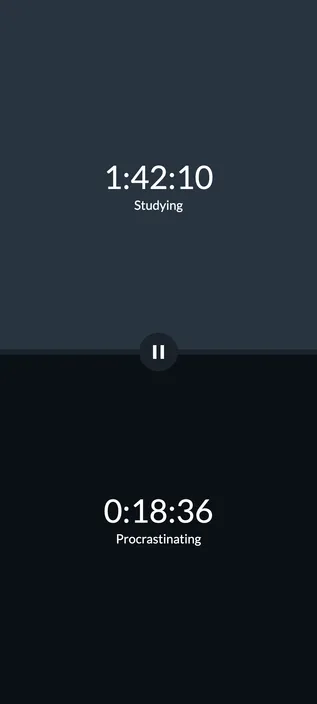
Two stopwatches on one screen: one for studying, one for procrastinating. Tap the one you’re doing, and see exactly where the time went.
iPhone coming soon
Procrastination Timer keeps things simple. The timers keep counting while the app is closed or your screen is off, and that’s about it.
Tap either one to switch.
No history or statistics, custom block lengths, app blocking, home screen widgets or sync.
On Android, the timer notification has Pause and Start buttons, so you can switch timers without opening the app. On recent versions, it’s a Live Update.
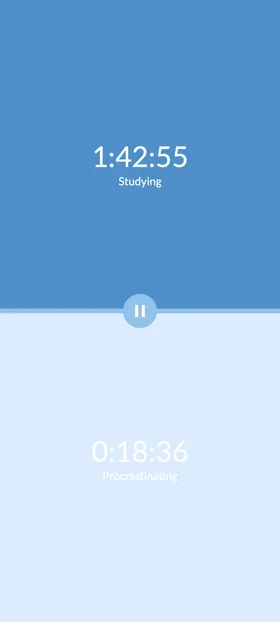
Or 52/17 and 112/26. Or no blocks at all.
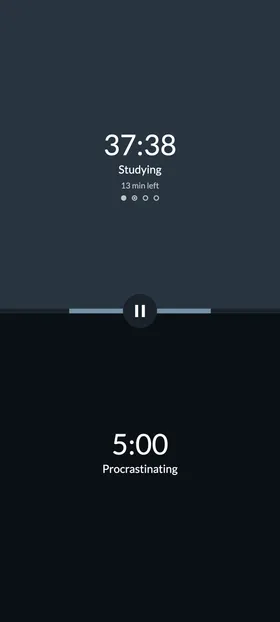
Turn on a method in Settings and a band across the middle fills as each block runs, with the minutes left underneath. When a block ends, you get a nudge, not a takeover: nothing switches on its own.
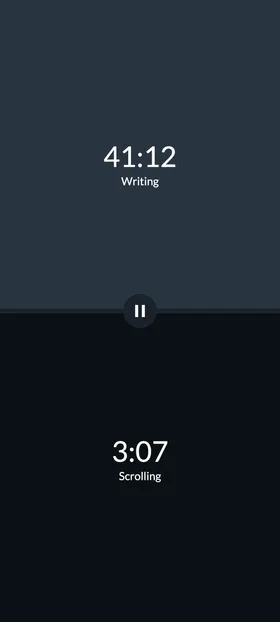
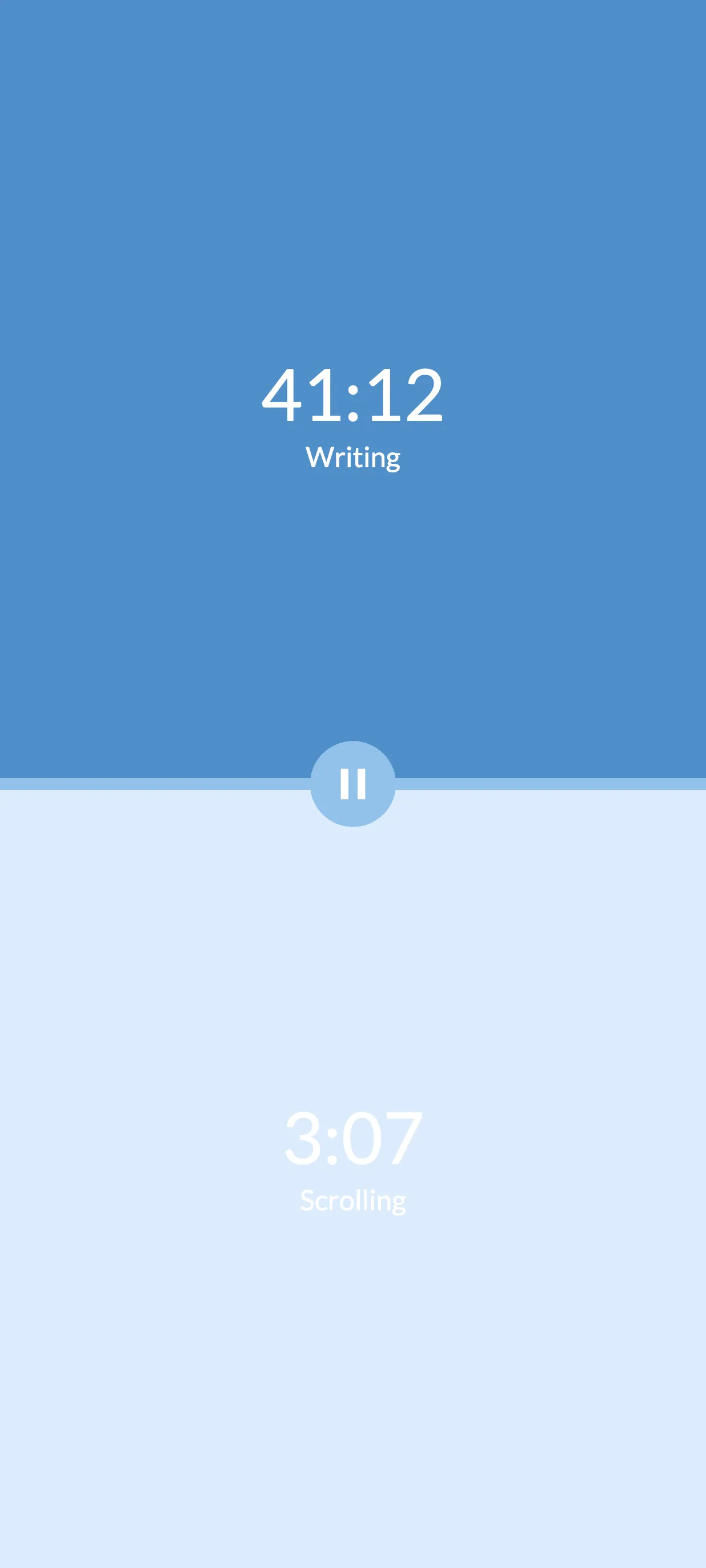
Writing and Scrolling, Work and Break, Practice and Rest.
Light, dark, or match your phone.
Hi, I’m Tomu. Procrastination Timer has been around since 2019, and I still make it on my own. No ads, no tracking, every feature free. I hope it helps you get the work done.
Yes. Every feature is free, with no ads, subscriptions or account. There’s an optional tip jar in Settings, and tips unlock nothing.
Yes. The timers keep counting while the app is closed or your screen is off.
On Android, yes. The timer notification shows Pause and Start buttons, and on recent versions it’s a Live Update. There are also shortcuts on the app icon to start either timer, and a Quick Settings tile to play and pause. You can turn the notification off in Settings.
Work-and-break rhythms you can turn on in Settings. Pomodoro is 25 minutes of work and a 5-minute break, with a 15-minute break after every fourth block. 52/17 and 112/26 are longer rhythms, taken from studies of highly productive workers. Or leave methods off and use the plain stopwatches.
Yes. Rename both in Settings: Writing and Scrolling, Work and Break, or whatever you’re splitting your time between.
The app speaks English, German, Spanish, French, Italian, Dutch, Brazilian Portuguese, Japanese, Korean, Simplified and Traditional Chinese, Turkish, Indonesian and Vietnamese. It follows your phone’s language, or the one you choose for the app in your phone’s settings, and keeps the timer names you’ve typed exactly as you wrote them.
No. It shows your current totals until you reset them. There’s no history, statistics or sync, by design.
The iPhone version is coming soon. The App Store link will appear here as soon as it’s available.
Your timers and settings stay on your phone. There are no accounts, no ads and no analytics, and the app sends nothing to the developer. Read the privacy policy.
iPhone coming soon